1qqq Login: Back to Your Games in Seconds
Enter your registered phone number and password to pick up exactly where you left off. Slots, fishing games, live casino — all waiting for you. New to 1qqq? Create a free account here.
- SSL Encrypted
- bKash & Nagad
- 24/7 Support
- 18+ Only
Sign In to 1qqq
Login Methods: Which One to Use
1qqq supports three ways to sign in. All three reach the same account. Choose the one that suits your device and situation.
| Method | How It Works | Best For | Speed | Works on 2G/3G |
|---|---|---|---|---|
| Phone Number Recommended | Enter your registered Bangladesh mobile number and password on this page. | All players. Quickest option on a known device. | Under 5 seconds | Yes |
| Username & Password | Use the username you chose at registration instead of your phone number. | Players who prefer not to type their phone number on a shared device. | Under 5 seconds | Yes |
| 1qqq App | Download the 1qqq Android App (v2.5.2, 36 MB). Your login is saved after the first sign-in — tap once to enter. | Daily players who want one-tap access. App also gives push notifications for bonuses and deposit confirmations. | One tap after first login | Yes (lighter data use) |
All three methods connect to the same wallet, bonus balance and game history. Switching between browser and App does not reset your session or progress.
Account Security: 5 Things to Do Now
A few quick steps protect your wallet balance and bonuses from unauthorised access.
Use a Strong Password
At least 8 characters mixing upper and lower case letters, numbers and one symbol. Avoid your name, birthday or "12345678". A strong password is the single most effective protection for your account.
Keep Your Phone Number Current
Your registered mobile number is used for OTP verification and password resets. If you change your SIM, update your account details before you need to reset anything. Contact [email protected] to update it.
Log Out on Shared Devices
Always click Log Out from the account menu when using a shared phone or computer. The "Remember Me" checkbox is for your personal device only — do not tick it on a device other people use.
Avoid Public Wi-Fi for Deposits
Open coffee-shop or bus-stand Wi-Fi networks can be monitored. Use your personal mobile data (Grameenphone, Robi, Banglalink) when topping up via bKash or Nagad. 1qqq uses SSL encryption, but your device's connection matters too.
Never Share Your Password
1qqq support staff will never ask for your password by chat, email or SMS. If anyone claims to be 1qqq staff and asks for your password, do not reply — report it to [email protected] immediately.
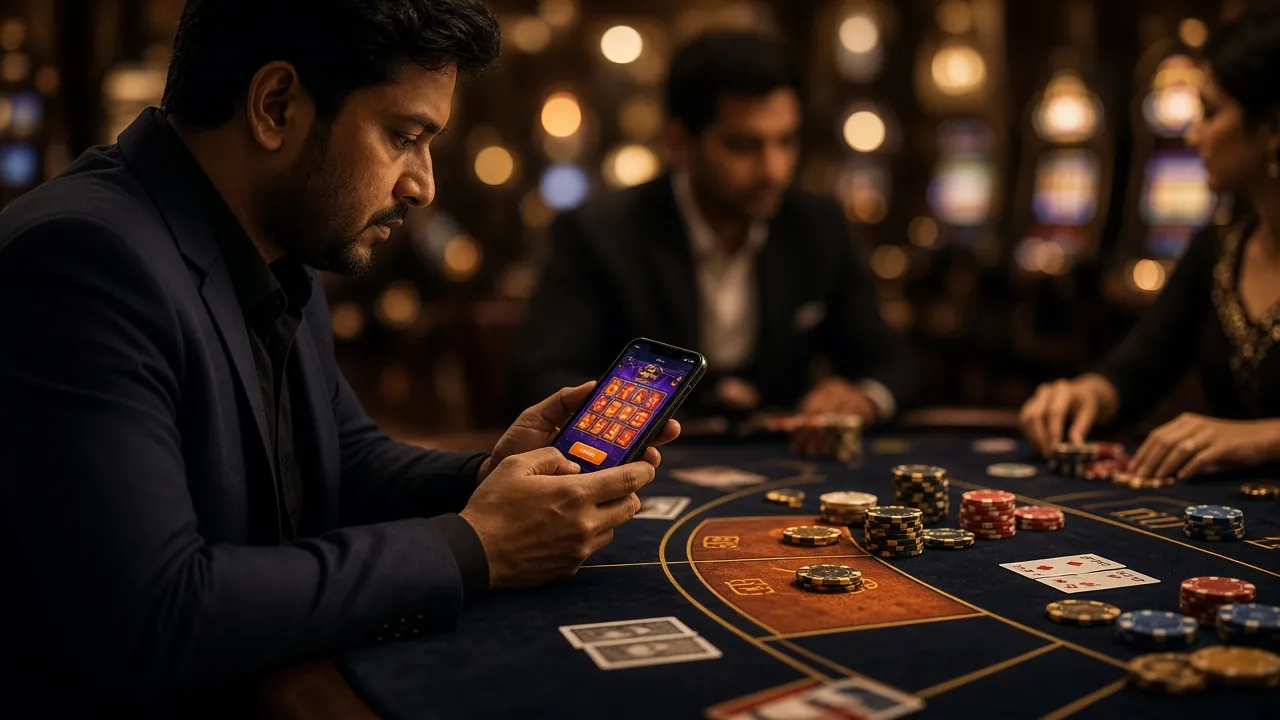
Step-by-Step: How to Log In to 1qqq
Four steps from opening the site to seeing your game lobby. The whole process takes under 30 seconds on a standard mobile connection.
-
1
Go to 1qqq.lat
Open your browser — Chrome, Firefox or any default Android browser works. Type 1qqq.lat in the address bar or tap a saved bookmark. The site loads in a few seconds even on a 3G connection. No VPN needed.
-
2
Enter Your Phone Number
Tap the phone number field at the top of the login form. Type your 11-digit Bangladesh mobile number — the same number you used when creating your account. The keypad opens automatically because the field uses
inputmode="tel". -
3
Type Your Password
Tap the password field and enter your password. Use the eye icon on the right to show characters if you want to check for typos. Passwords are case-sensitive — a capital letter out of place is the most common cause of a failed login attempt.
-
4
Tap "Log In" and Play
Press the orange Log In button. You will land directly on the game lobby — your wallet balance, active bonuses and ongoing games are all there. From here you can deposit via bKash or Nagad (arrives in about 2 minutes) or jump straight into a game.
Prefer One-Tap Access? Use the 1qqq App
Download version 2.5.2 (36 MB, Android 7.0 and above, free). After your first login the App remembers your session — no typing required next time.
Login Problems: Causes and Fixes
If the login button does not work or you get an error message, the table below covers every common situation. Most issues are fixed in under two minutes.
| Problem | Most Likely Cause | What to Do |
|---|---|---|
| "Wrong phone number or password" error | Caps Lock is on, or you typed a 0 instead of an O (letter). | Tap the eye icon to reveal your password and read each character carefully. Try again. If it still fails after two attempts, use the password reset steps below rather than keep trying — accounts are temporarily locked after repeated failed attempts. |
| Account temporarily locked | Too many failed login attempts in a short period triggers an automatic security hold. | Wait 15 minutes, then try again with the correct password. If you are unsure of your password, go through the reset process first. The lock lifts automatically — no action needed from support unless the hold continues after 30 minutes. |
| OTP / SMS code does not arrive | Network congestion, or your SIM's inbox is full (100-message limit on some Bangladeshi operators). | Delete old SMS messages to free space, then request the OTP again. If you are on Grameenphone or Robi and the SMS takes more than 2 minutes, try resending once. Still nothing? Email [email protected] with your registered number and they will verify you manually. |
| Page loads but login button does nothing | JavaScript is blocked by a browser extension, or the page cache is stale. | Hard-refresh the page (hold the refresh button on Chrome and choose "Hard Reload"). If that does not help, open an Incognito/Private tab and try there. Browser extensions such as ad-blockers sometimes interfere with form submissions. |
| Logged out immediately after signing in | Cookies are blocked in your browser settings, or private browsing mode does not save sessions. | Go to Chrome Settings › Site Settings › Cookies and allow cookies for 1qqq.lat. If you are in Incognito mode, switch to a regular tab so the session cookie can be stored. Alternatively, download the 1qqq App, which manages sessions independently of browser cookies. |
| "Account not found" message | The phone number entered does not match any registered account — a different number was used at sign-up. | Check if you registered with a different number (e.g. a second SIM). If you are certain about the number, contact support with proof of registration. If you have never registered, create an account here — registration takes under 3 minutes. |
Forgot Your Password? Reset It in 3 Steps
You will need access to your registered mobile number. The reset OTP arrives as an SMS within 2 minutes. If your number has changed, email [email protected] before starting.
-
1
Tap "Forgot Password?"
On the login form above, tap the Forgot password? link on the right side. You will be taken to the account recovery page. Enter your registered Bangladesh mobile number in the field provided.
-
2
Enter the OTP from SMS
A one-time password is sent to your phone as an SMS. It is valid for 10 minutes. Enter the 6-digit code exactly as received — do not add spaces. If you do not receive it within 2 minutes, check that your SIM inbox is not full, then tap "Resend OTP".
-
3
Set a New Password
Once your OTP is verified, type a new password and confirm it in the second field. Use at least 8 characters. Tap Save Password. You will be logged in automatically — no need to sign in again separately.
Log In to 1qqq: Four Steps from Browser to Lobby
-
1
Open the Login Page
Go to 1qqq.lat/1qqq-login/ on any browser, or tap Log In in the top-right corner of the homepage. The page loads under 3 seconds even on a 3G connection.
-
2
Enter Your Registered Mobile Number
Type the Bangladesh mobile number you used at registration — the same number linked to your bKash or Nagad wallet. Include the country code if prompted (e.g. 017XXXXXXXX).
-
3
Type Your Password
Enter your account password. Tap the eye icon to show characters if you need to check. If you have forgotten it, use Forgot Password below the field to reset via SMS in under 2 minutes.
-
4
Tap "Log In" and Start Playing
Hit the Log In button. You land directly in your lobby — wallet balance, active bonuses and game history all restored. On a trusted device, tick Remember me so the next visit skips this step entirely.
No account yet? Register free in under 2 minutes — deposit as little as ৳400 via bKash or Nagad to claim your first-deposit bonus.
Frequently Asked Questions
Questions
Can I log in without entering my password?
Yes — through the 1qqq App. After you sign in once inside the App, your session is saved. From the second visit onward you just open the App and your account loads automatically. On the browser, you need your password every time unless you tick "Remember Me" on your personal device. The "Remember Me" option stores an encrypted session token so you do not have to retype credentials on return visits from the same browser.
Is the 1qqq login page safe to use on mobile data?
Yes. The entire 1qqq.lat website runs over HTTPS with SSL encryption. Your phone number, password and payment details are encrypted before they leave your device. Using your personal mobile data connection (Grameenphone, Robi, Banglalink, Teletalk) is safe. We recommend avoiding shared public Wi-Fi networks for any page that involves your account or bKash/Nagad balance, not because of 1qqq's encryption but because of risks on the local network side.
How do I stay logged in between browser visits?
Tick the "Remember me on this device" checkbox before you tap Log In. This stores a secure session cookie so you do not have to enter your credentials on the next visit from the same browser on the same device. The cookie expires after 30 days of inactivity or when you explicitly log out. Do not use this option on a shared phone. For the most reliable persistent login, the 1qqq App (v2.5.2) manages sessions independently of browser cookie settings.
Can I use one 1qqq account on two different phones?
Yes. Your account is tied to your phone number, not to a specific device. You can log in on your personal phone and also on a second device — both will show the same wallet balance, bonus balance and game history in real time. There is no device limit. If you log in on a new device, you may be asked to verify via OTP as an extra security check. This is normal and takes under a minute.
My wallet balance looks different after logging in — what happened?
Three things can change your balance between sessions: a pending withdrawal that completed (minimum ৳1,500, arrives within about 8 minutes), a daily cashback credit (1.6% for VIP 1 players, credited automatically), or a bonus that expired after 7 days. Check the transaction history in your account for a line-by-line breakdown. If the change looks unexpected, contact [email protected] with the date and amount and the support team will check within minutes.
What if I cannot receive SMS on my registered number?
If your SIM has changed or is damaged, you will not be able to receive the OTP needed for a password reset. In this case, email [email protected] from the email address linked to your account (if set) or include your registered phone number, full name and a photo of your National ID Card (NID) so support can verify your identity manually. The support team is available 24/7 and typically responds within a few minutes during peak hours.
What to Do After You Log In
Browse the Casino
Over 5,200 games including slots, fishing games and live tables from Playtech, PG Soft and more. Bet from ৳1.
Open Casino LobbyDownload the App
Android v2.5.2, 36 MB, free. One-tap login after your first sign-in. Works on 3G. Minimum Android 7.0.
Download APKNo Account Yet?
Registration takes under 3 minutes. Deposit as little as ৳400 via bKash or Nagad to claim the welcome bonus.
Register Now1qqq collects only the data needed to operate your account. We never sell personal data to third parties. See our Privacy Policy for full details. 18+ · Play Responsibly.